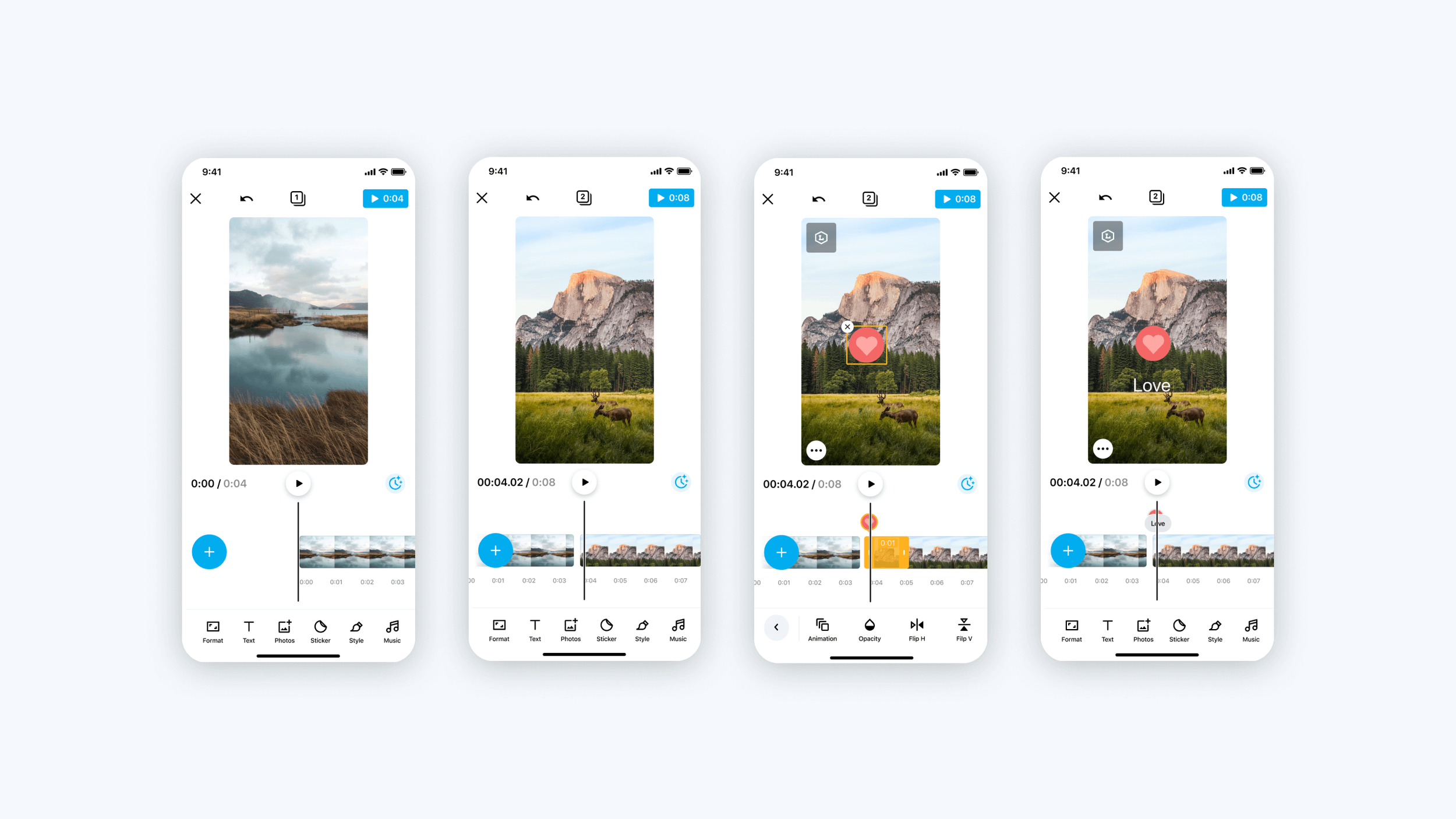
What You See
Is What You Get
Unlike other apps that allow users to edit their entire video by full timeline, “Create App” users can only edit one scene at a time. If they wish to preview their video, they can only do so after rendering the entire video.

The problems
Users are unable to create an accurate video.
It is impossible to make small changes while reviewing the entire video at the same time.At the end, when they tap on the rendering button to view their video results, it takes time for it to complete.
It takes them time to discover how to move to the next scene.
Some users thought that each scene was a separate video.
The goal
Make video editing easier by creating a timeline that shows all scenes.
The hypothesis
A full timeline will enable users to edit and preview their entire video easily,
so their overall experience will improve and their engagement will increase.
Competitors
We can observe from a quick competitor analysis that they all have scroll menus at the bottom and prioritize the most important features from left to right.


Prototyping and testing
Three of our test variants were confusing to users, as based on best practices the plus button between scenes represents a transition, and the play button on the timeline takes too much space when the space is already limited for editing and customizing.
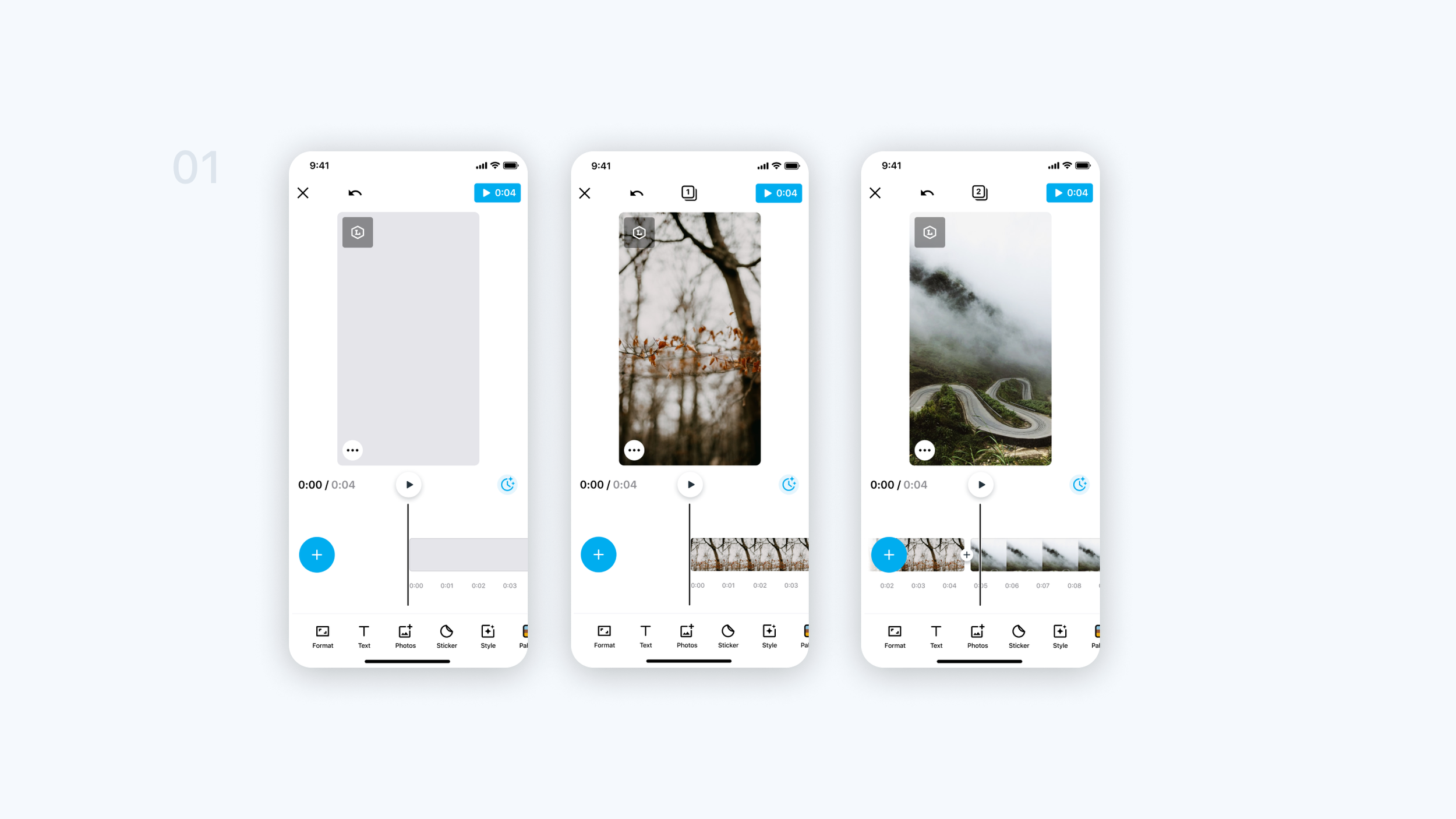


The Design

Testing results
Video completion up by 6.5%
Video usage up by 8%
Preview stage adoption up 9%
